Payment Services
Online
Bank Card, Merchant Card, Gift Card and Pre-Paid Payment
Online
Method Description
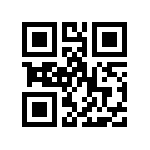
The MSL Code, that includes Invoice Number and Amount, will be displayed on the Merchant's check-out page in both text and QR Code format.
Here are examples:
      
      MSL Code: 21-1979689-1282-42.89
Transaction type (21), Merchant number (1979689), invoice number (1282) and amount (42.89)
Wallet Based:


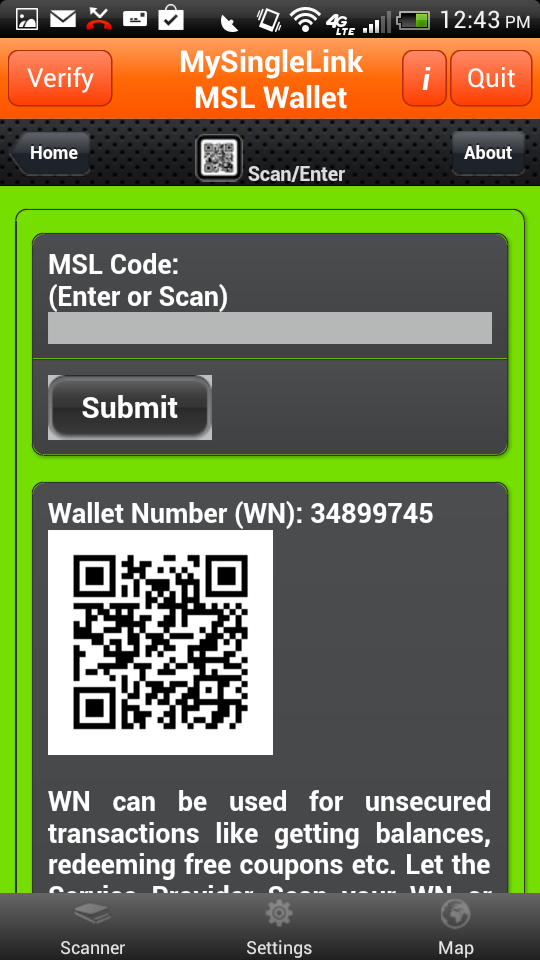
MSL Wallet:
Following are the steps in executing the transaction:
  • Example (Mobile Device with a Finger Print Reader):
    • 1 of 2:
      Consumer scans 'MSL Code' while holding finger on the finger print reader. Upon finger print verification, Consumer can select a payment method and optionally enter a total transaction amount including tips.
    • 2 of 2:
      Consumer can request the Merchant to process the transaction.
  • Example (Mobile Device without a Finger Print Reader):
    • 1 of 4:
      Consumer scans 'MSL Code'.
    • 2 of 4:
      Consumer receives a random number with * from MySingleLink and creates SUDS by replacing * with their own PIN.
      Example:
          Random Number: 2*69*9
          PIN: 19
          SUDS: 216999
    • 3 of 4
      Consumer enters SUDS in the Merchant's check-out page and submits the transaction.
      if entered SUDS is valid, Consumer would see 9 images on the check-out page and also would receive a single image in 'MSL Wallet' app, otherwise would receive a denied message
    • 4 of 4
      Consumer would select an Image that is same as the one received in 'MSL Wallet' app.
      If the selected image is valid then the payment transaction will be processed, otherwise would receive a denied message.
      Consumer and Merchant would receive electronic receipts. Please see the details at the bottom regarding electronic receipts.
      Consumer can also request for a printed receipt.

  • The transaction will be processed by the Merchant through Merchant's credit card processor.
    Consumer and Merchant would receive electronic receipts. Please see the details at the bottom regarding electronic receipts.
Receipt: Receipt:
Consumer would receive an electronic receipt thru App or Text Message and/or to an Email address depending on the setup. The electronic receipt would be available for view for 18 months.
The electronic receipt would include the amount taken from Gift Card, from Prepaid Card, from Merchant Credit/Debit account, amount taken from Bank Credit/Debit Card and and Bank Checking Account. It will also include the Discounted Amount, Redeemed Coupons, Awarded Rewards Points etc.
 
Payment Services
General Description

Payment Transaction is a monetary transaction where the transaction involves withdrawl of money, at least, from one financial account like Gift Card, Merchant Credit Card, Bank Credit/Debit Card, Checking Account, ATM Account etc.

Instead of using a Plastic card, 'MSL Wallet' which is a free App available for iPhone, iPad, iPod, Anroid Phones and Tablets can be used. 'MSL Wallet' can be used with or wihtout finger print reader. To know more about using Plastic Card or about using 'MSL Wallet', please click on How It Works from the Main Page.

Merchant displays a QR Code known as 'MSL Code' and only takes less than a couple of seconds to complete the processing:

Mobile Device with a finger print reader consists of a single step:

  • Consumer scans a QR code displayed by the Merchant while holding a finger on the finger print reader, selects a payment method and optionally enters a transaction amount and the transaction will be processed thru Merchant's bank card processor.
Mobile Device without a finger print reader consists of the following 3 steps:
  • Consumer scans or enters 'MSL Code' or sends 'MSL Code' using SMS Message.
  • Consumer would receive a number with '*' as blanks, would replace them with their own PIN to create SUDS and would hand over the SUDS to merchant
  • Merchant would use SUDS received from Consumer thru a scanner or thru a key pad to process the transaction thru Merchant's bank card processor.
Wallet Method can also be used for Applications that require Secured Access and following are some examples:
  • Web Site Login
  • Secured Documents such as Financial Information, Medical Records etc
  • Secured Locations such as office, home, airports etc
  • Secured Lockers for order pick-ups and/or deliveries
  • Personal Identification Verification