|
Prpaid Accounts can be setup with Auto Load feature so
that when the Prepaid Account balance falls below a pre-defined
level, a pre-defined amount can be loaded from a pre-defined
Financial Account (Credit/Debit Card, Checking Account etc).
Prepaid Account can be loaded automatically using any one of the following methods:
|
|||||||||||||

|
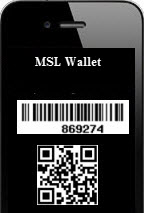
MySingLink, based on their propreitory technology, has developed 2 broadly categorized Paperless Transaction Processing methods namely Wallet based and Card based. Wallet based method uses 'MSL Wallet' which is a free App available for iPhone, iPad, iPod, Anroid Phones and Tablets. Wallet based method is card less and uses Finger Print Authentication or SUDS (Single use Digital Signature) for Secured Transacntions or a Wallet Number, a unique number issued to each Consumer, for Unsecured Transactions whereas Card based method uses a card with a magnetic stripe (MySingleLink Card or Consumer Custom Card or Merchant Custom Card). Under Wallet Method a unique number called MSL Code is used to identify each transaction. To know more about MSL Code, please refer to 'How It Works'.
To know more about these methods, please click on How It Works from the Main Page.
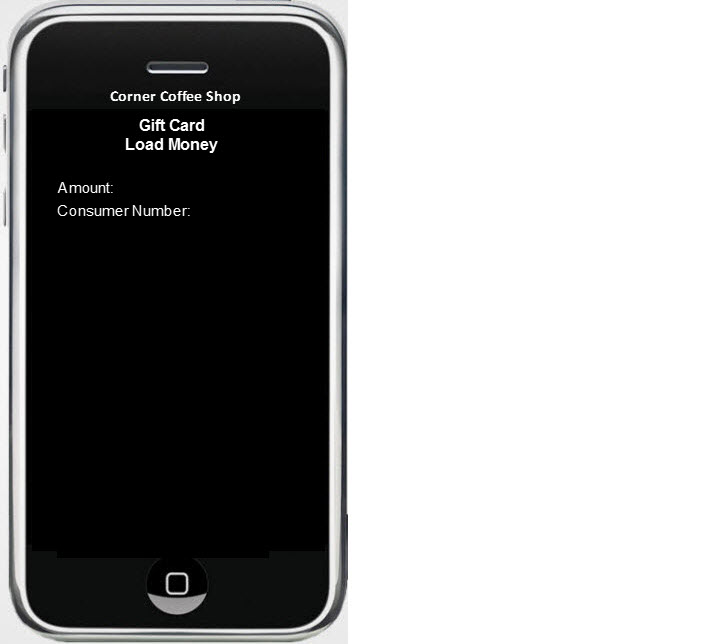
Balances from Prepaid Account can be used to Load Gift Cards and to buy goods and services from any Merchant. Prepaid Acounts can be set up for Auto Load as well as can be loaded Manually. |
||||||||||